
|
|
#32
 08-11-2012, 06:42 PM
|
|||
|
|||

Report back with your results, also run the Black Death Track and post your min. avg. max fps.
Start black death track and when it loads cntrl f12 or whatever you have the console keys bind to? Then type FPS START SHOW, press enter and cntrl f12 or whatever your keys are to start the console. 
|
|
#34
08-11-2012, 07:57 PM
|
|||
|
|||
|
I'm having a heck of a time getting the "fps Show Start" thingy to work.
I can't get it to display the numbers in real time. When I type it in the box, lower left hand corner, it seems to indicate that it recognizes the command, then nothing is displayed. Help needed? Anyway, here are the results of the most recent 3D Mark11 tests : SCORE P5201 3DMarks GRAPHICS SCORE 5447 PHYSICS SCORE 4619 COMBINED SCORE 4526 PC HEALTH CHECK Your PC is performing properly. GRAPHICS CARD Graphics Card NVIDIA GeForce GTX 570 VendorEVGA Corporation# of cards1SLI / CrossFire Off Memory2560 MBCore clock732 MHzMemory clock1900 MHzDriver nameDriver version8.17.12.9610Driver statusFM Approved PROCESSOR Processor AMD Phenom II X4 955 Processor clock3624 MHzPhysical / logical processors1 / 4# of cores4 GENERAL Operating system64-bit Windows 7 (6.1.7601)MotherboardGigabyte Technology Co., Ltd. GA-990FXA-UD3Memory8192 MBModule 14096 MB Corsair 9 @ 667 MHzModule 24096 MB Corsair 9 @ 667 MHzHard drive model120GB INTEL SSDSA2M120G2GC ATA Device DETAILED SCORES 3DMark ScoreP5201Graphics Score5447Physics Score4619Combined Score4526Graphics Test 123.84 FPS Graphics Test 224.92 FPS Graphics Test 334.24 FPS Graphics Test 417.36 FPS Physics Test14.66 FPS Combined Test21.05 FPS SETTINGS Default settings used Yes EditionBasicScreen Width1280Screen Height720Msaa Sample Count1Texture Filtering ModeTrilinearMax Af Anisotropy1Tessellation Detail5Max Tessellation Factor10ShadowMapSize5Shadow Cascade Count4Surface Shadow Sample Count16Volumetric Illumination Quality5Ambient Occlusion Quality5Depth Of Field Quality5Enable Window ModeOffEnable Vertical SyncOffEnable Triple BufferingOffEnable WireframeOffColor Saturation100% I'm willing to TS3 in case I'm too dull witted to understand a written instruction. Thanx again.
|
|
#35
08-11-2012, 08:02 PM
|
||||
|
||||
|
Quote:
Nice test... on the fps type just like you see this, note that some need to be caps, and press enter  fps START SHOW
__________________
 GigaByteBoard...64bit...FX 4300 3.8, G. Skill sniper 1866 32GB, EVGA GTX 660 ti 3gb, Raptor 64mb cache, Planar 120Hz 2ms, CH controls, Tir5
|
|
#39
08-11-2012, 08:25 PM
|
|||
|
|||
|
I think under general settings look for console assign key or keys.
fps START SHOW fps STOP SHOW I just did testings ill post them in a few. There is a memory leak STILL 1C. The fps drop is a major problem that has been a problem since day one and I'm sure will never be fixed, caused by the explosions. 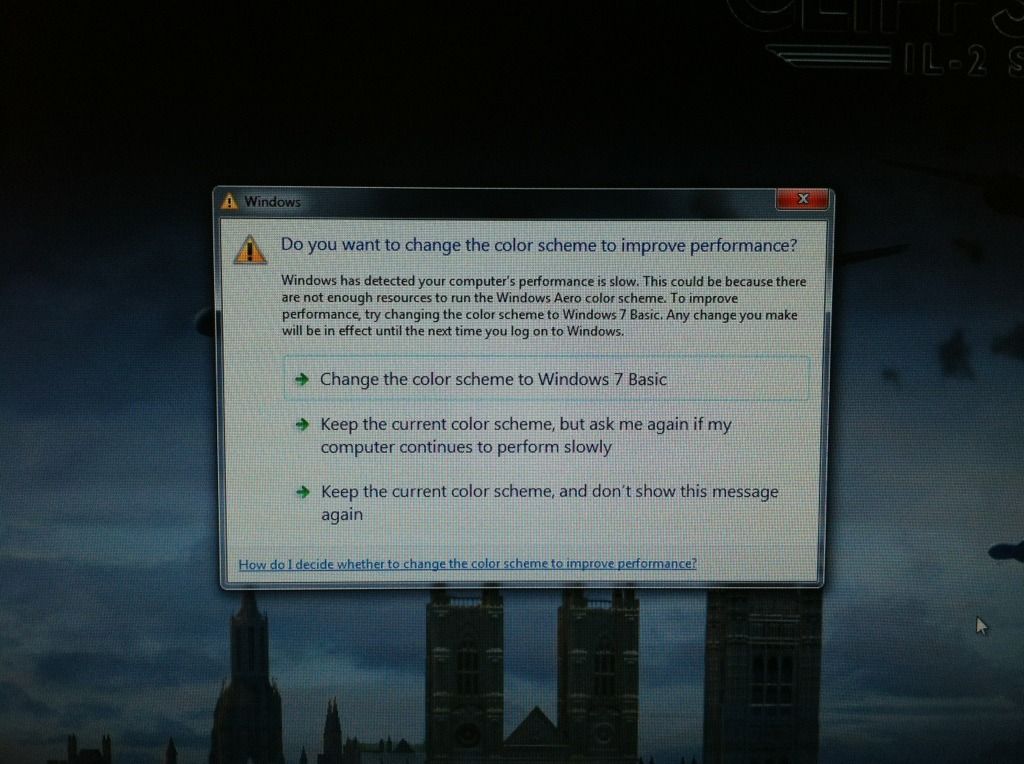
|
|
#40
08-11-2012, 08:34 PM
|
|||
|
|||
|
Ok...I did figure out that part on the console.
Any thoughts on video configuration...pretty much have everything on low and medium. I have read a few threads that posters have stated, a few things should be set to high? Maybe, probably, I'm wrong, but... I just think/believe that I should be able to swing "higher" settings? Do my results reflect the capabilities of my "system"? Should I consider? Higher instead of Lower settings?
|
 |
|
|




 Linear Mode

