
|
|
#1
 07-27-2011, 07:14 PM
|
|||
|
|||
 Terrain modification- what am I doing wrong?
I use keygetys' dll file to get the textures into the _dump directory.
I then use Dxtbmp to open a DDS file, e.g. SR_EN_Field00. I use the "send to editor" function to export the DDS file to PaintShopPro8, where I modify the texture. Then I save the BMP and use the "reload after edit" funtion in Dxtbmp. Now I save the file as DDS (dxt 3) file. I copy the file to a "testmod" directory within the IL2:CoD directory and add the appropriate launch parameters. When I now run the game it looks like this: 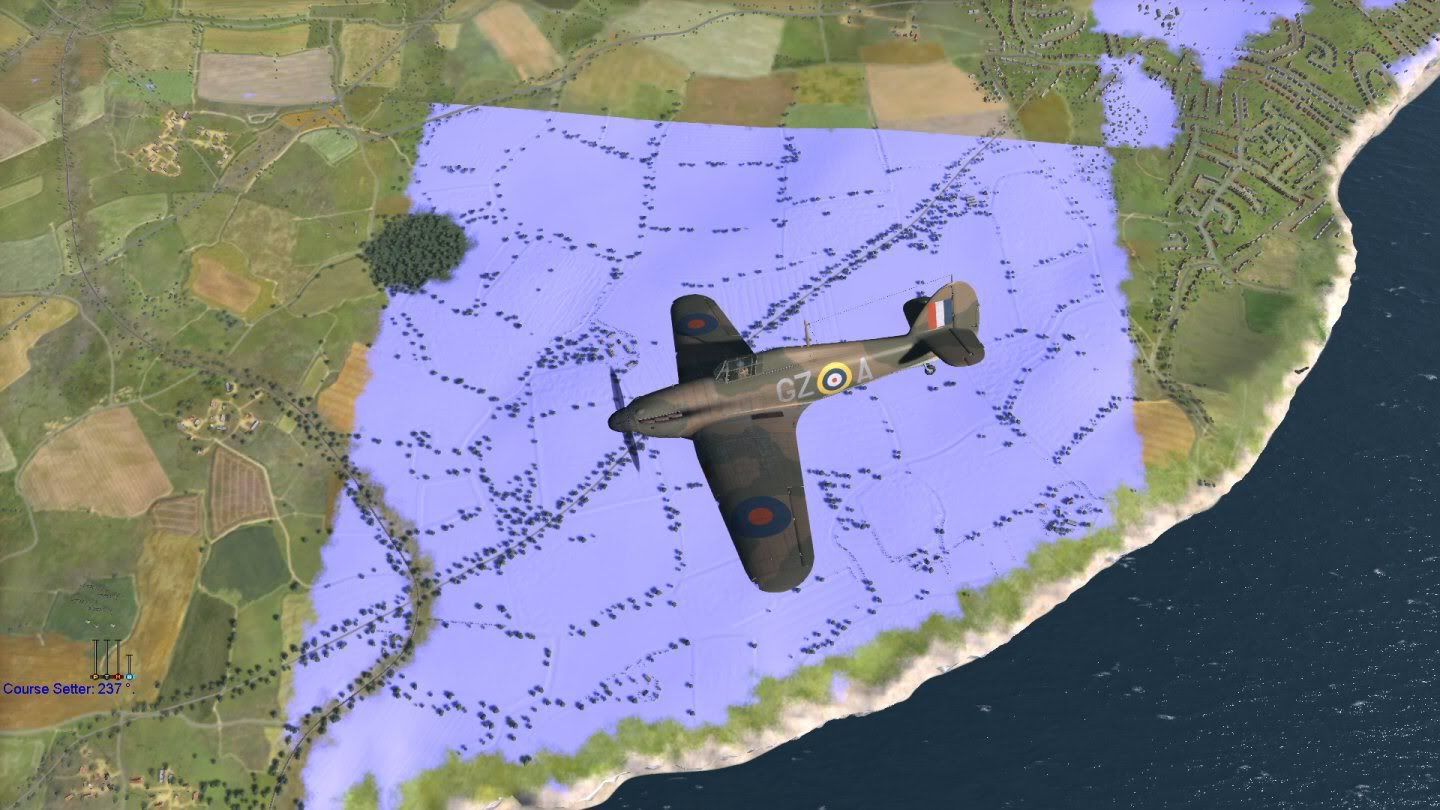 Any idea what I'm doing wrong? 

|
|
#2
07-27-2011, 08:39 PM
|
|||
|
|||
|
Quote:
Hope this helps AdamB
|
|
#3
07-27-2011, 09:13 PM
|
|||
|
|||
|
Here's what I do:
Open a DDS file with Dxtbmp from C:\Program Files (x86)\Steam\steamapps\common\il-2 sturmovik cliffs of dover\_dump\parts\bob\textures\Terrain\Fields 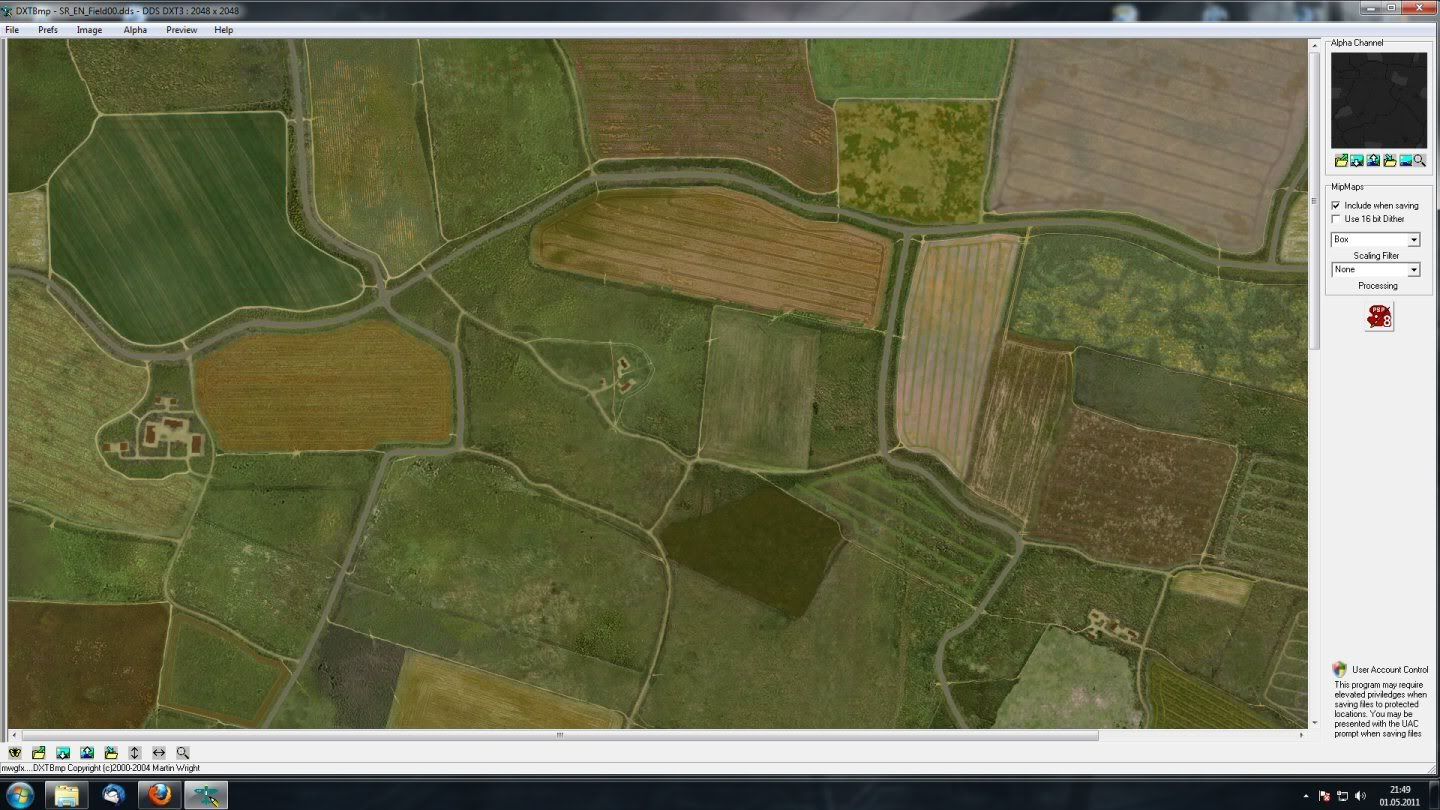 Send image to PSP8 and work on colours. Dxtbmp apparently split the DDS file into a "norm" texture image and the alpha channel transparent layer. 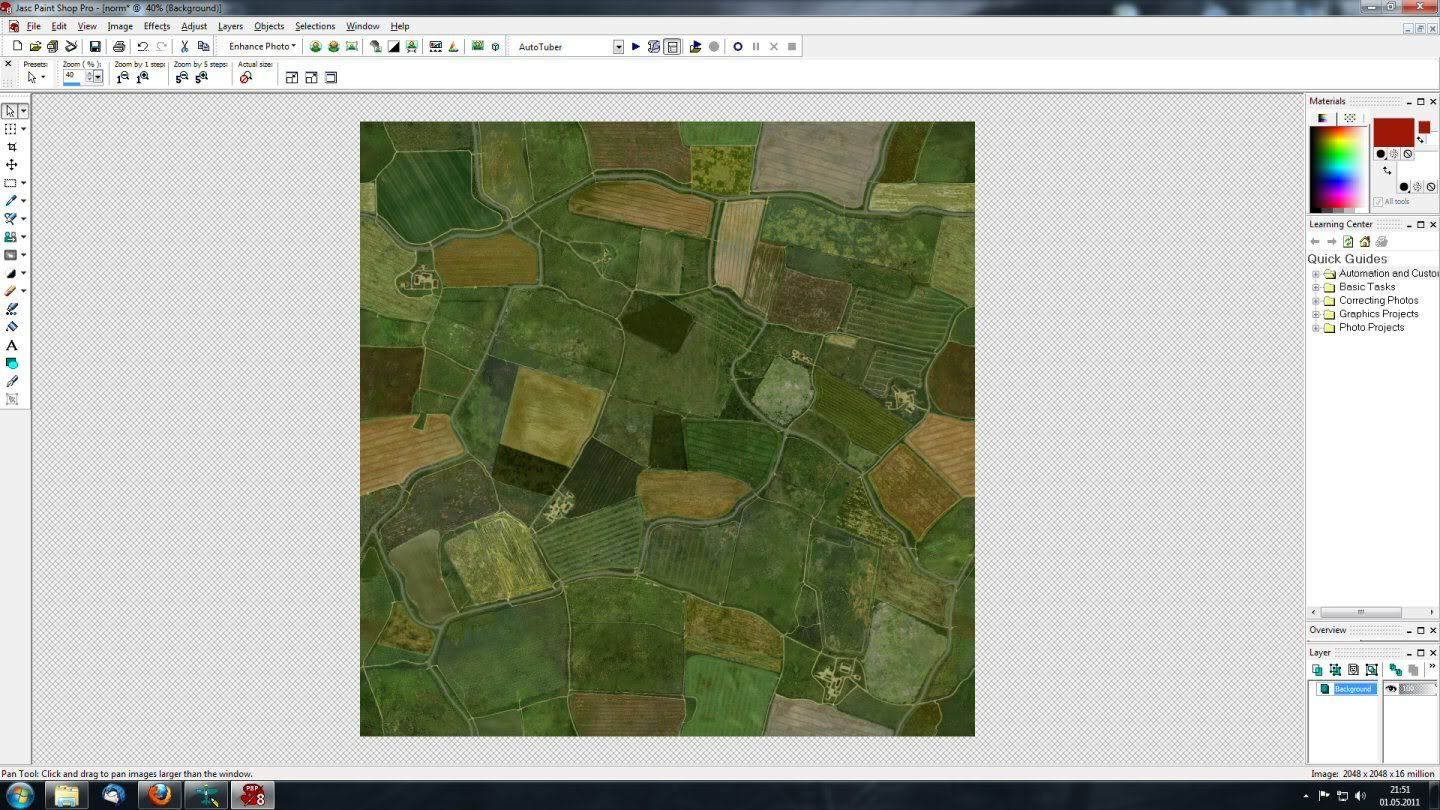 Save image as BMP (only the "norm" one got changed) 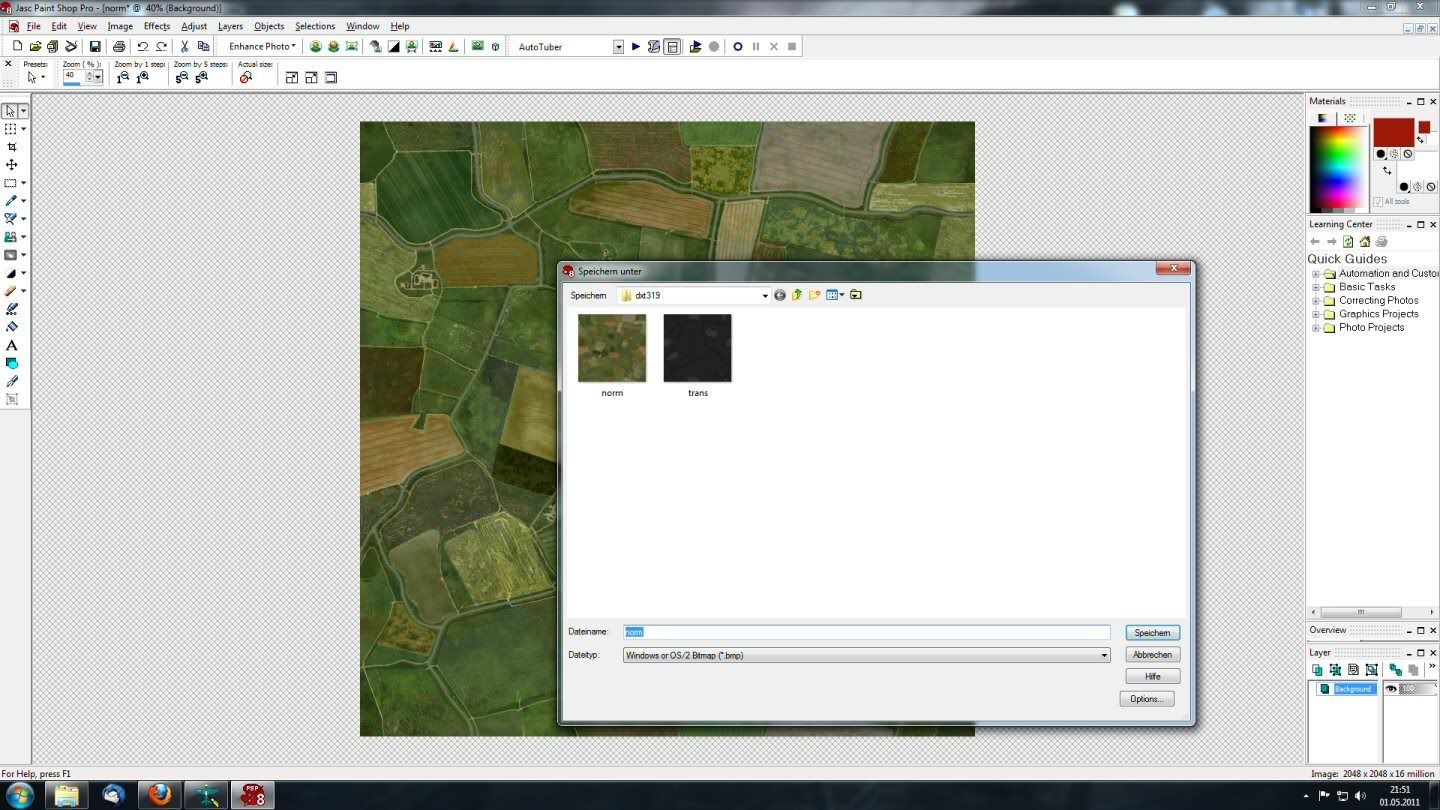 Reload Image into dxtbmp after editing 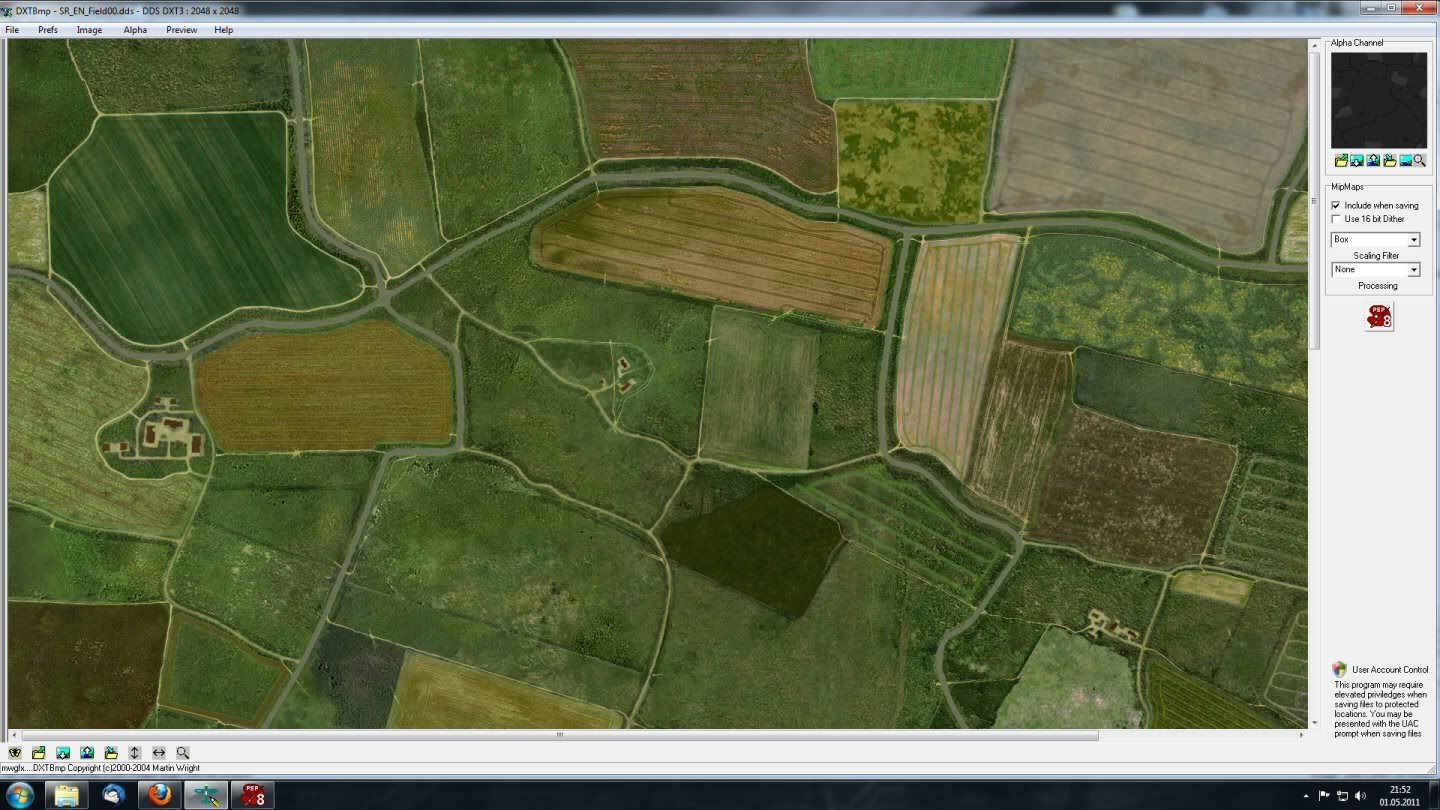 Save as DDS file and put into testmod folder 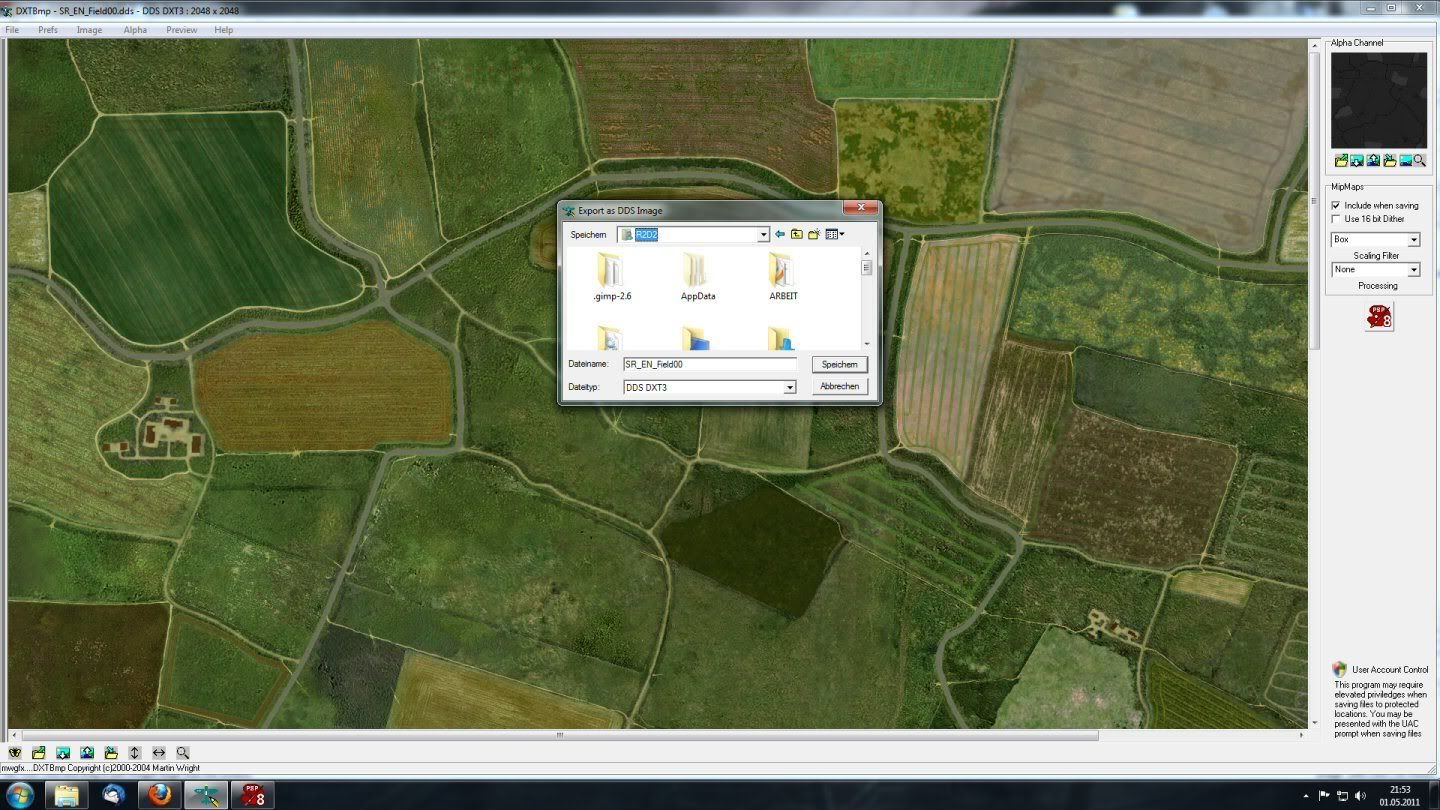
|
|
#4
07-28-2011, 08:17 AM
|
|||
|
|||
|
ok basically follow these steps
1. Make a dump of all the files you want to edit from kegetys 2. Open up the file in DXTBmp and in WTV (link for programme download is below) 3. Find the type of DDS file it is from WTV e.g. DXT1 no alpha 4. Load the image from DXTBmp into the editor (I recommend Adobe CS5.1 with Nvidia DDS plug-ins. 5. Edit the image 6. Save the image in the format that WTV specified with exactly the same name 7. put the file in the same folder structure as it was found in the dump C:\Program Files (x86)\Steam\steamapps\common\il-2 sturmovik cliffs of dover\_dump\parts\bob\textures\Terrain\Fields 8. DO NOT USE A GENERIC MOD FOLDER, use another folder to hold your mod e.g. @ParaB_terrainMOD_v1\parts\bob\textures\Terrain\Fi elds <-- this is where your edited file goes. 9. Type -mod=@ParaB_terrainMOD_v1 into the target field of the desktop shortcut, and away you go 10. have fun with your new mod Hope this was helpful LINKS:http://developer.nvidia.com/legacy-texture-tools (WTV) http://developer.nvidia.com/nvidia-t...dobe-photoshop (plug-in)
|
|
#5
07-28-2011, 01:04 PM
|
|||
|
|||
|
your issue is the DXT3. i recently tried applying various types of normal maps to the terrain, but i never got what you are seeing here.
Originally the normal map files are dxt5_nm im pretty sure. this produces a greyscale image when viewed in RGB. but the info lies on a specific channel. i think green and alpha channell. try save as the "nm" variant in photoshops. ---------------- From dxt 1,3,5 its all about how transparency is handled and how much compression is given to the alpha and general size of files. (alphas not necessarily being used for transparency via the shader etc) DXT 1 with alpha The above holds when your texture does not have any transparency, if you want to add a 1 bit alpha channel things change slightly. A 1 bit alpha channel means that the transparency is either on or off. To store this one of the colours of the colour palette will get the meaning completely transparent. The other three colours are left to store the colour information of your pixels. So for the two colours stored in this case only one has to be interpolated, colour3 is 1/2 colour1 plus 1/2 colour2. This means even less resolution is left for different shades of colours. DXT3 The colour information in DXT3 is saved similar to the DXT1 format without an alpha channel. So a palette of 4 colours is used to represent 16 pixels of the texture. But the alpha information is stored with 4 bit in the DXT3 format. That means that in total 128 bit are used for the 16 pixels (32 for the palette, 32 for the colour indices and 64 for the alpha information). So this results in a compression ratio of 1:4. Because the alpha information is stored in 4 bit, the smallest step in the alpha value that can be stored is 16. This means that very smooth transitions in the alpha channel can not be stored in the DXT3 format. DXT5 The DXT5 formats differs from the DXT3 format in the way the alpha information is saved. The colour information is stored in the same way. For the alpha information it uses a palette, similar to the way the colour information is also stored. This palette contains a minimum and maximum alpha value. Then 6 other alpha values are interpolated between this minimum and maximum. This thus allows more gradual changes of the alpha value. A second variant does interpolate only 4 other alpha values between the minimum and maximum, but also adds an alpha value of 0 and 1 (for fully transparent and not transparent). For some textures this might give better results. Last edited by Ali Fish; 07-28-2011 at 01:20 PM.
|
 |
| Thread Tools | |
| Display Modes | |
|
|


 Linear Mode

