
|
|
|||||||
| Vehicle and Terrain threads Discussions about environment and vehicles in CoD |
 |
|
|
Thread Tools | Display Modes |
|
#11
 05-17-2011, 07:04 PM
|
||||
|
||||

Quote:
 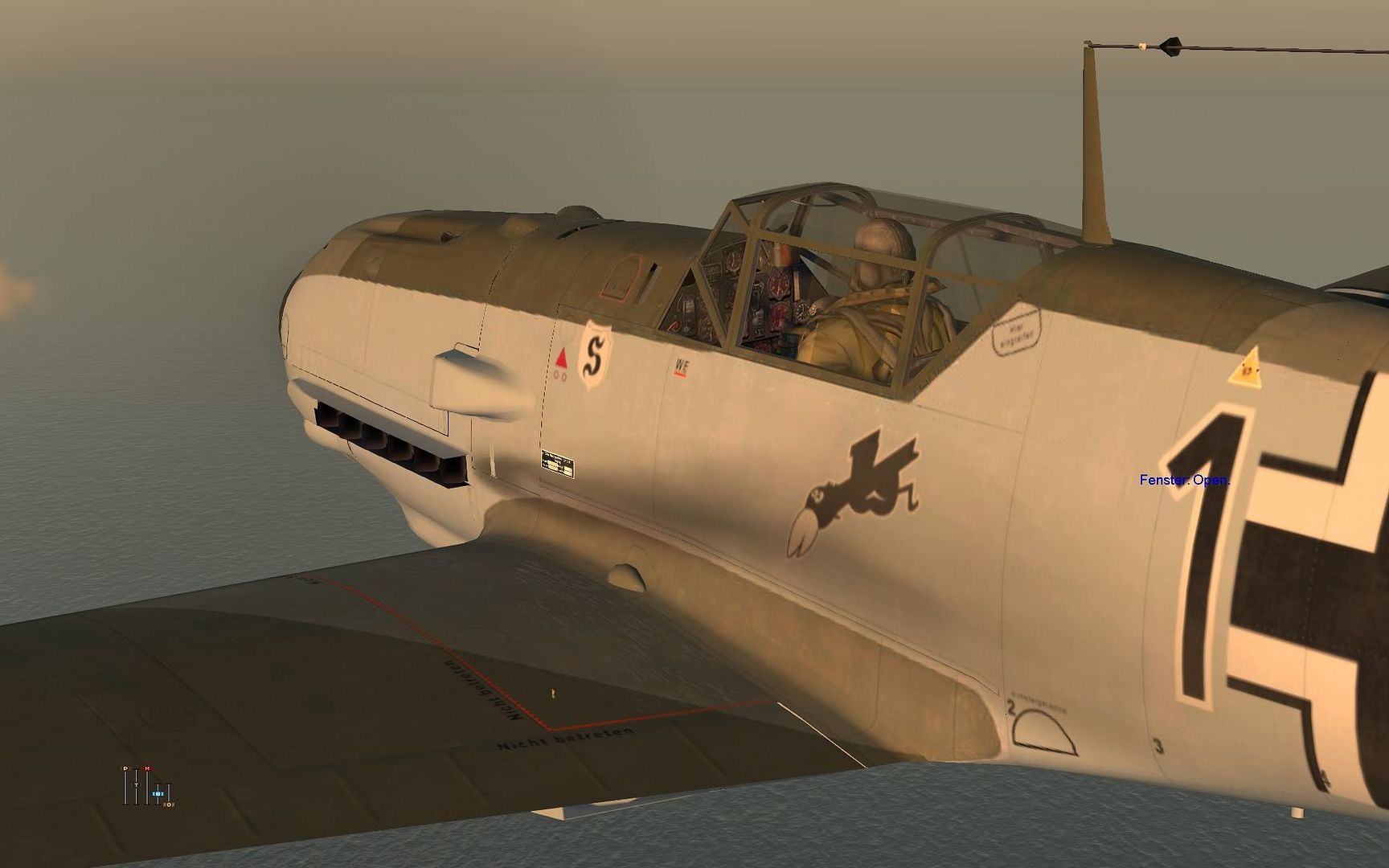  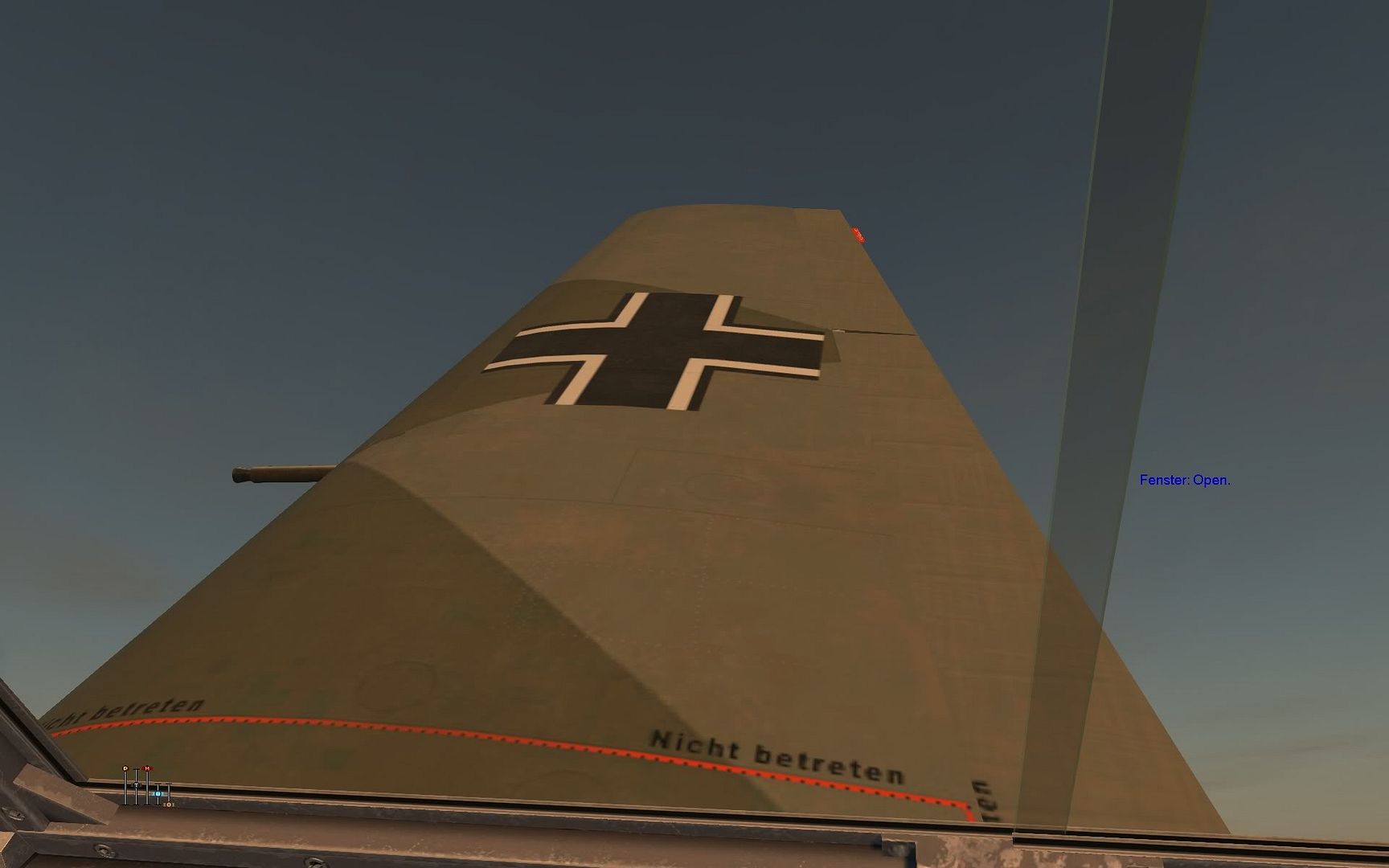
__________________
Asus P8P67-M Core I7 2600k Asus HD6970 2GB G-DDR 5 8GB 1600mhz DDR 3 Win7 Pro64 Ms FFB 2 
|
|
#12
05-17-2011, 07:21 PM
|
|||
|
|||
|
i was led to believe those settings do not change plane texture settings, its the models detail settings that does that.
|
|
#13
05-17-2011, 07:44 PM
|
||||
|
||||
|
Quote:
__________________
Asus P8P67-M Core I7 2600k Asus HD6970 2GB G-DDR 5 8GB 1600mhz DDR 3 Win7 Pro64 Ms FFB 2
|
|
#14
05-18-2011, 02:27 PM
|
|||
|
|||
|
Quote:
Quote:
|
|
#15
05-18-2011, 11:56 PM
|
|||
|
|||
|
Quote:
|
|
#16
05-25-2011, 04:06 PM
|
|||
|
|||
|
Quote:
|
|
#17
05-25-2011, 05:31 PM
|
|||
|
|||
|
Same here, no bad textures on planes, even with lowest texture setting, nvidia, too.
|
|
#18
05-26-2011, 03:14 AM
|
|||
|
|||
|
Hmm, that's weird
 Maybe i need to go ahead and do the "backup contols and get the new config files" routine, i've been postponing that and it might have some effect.
|
|
#19
05-27-2011, 01:16 AM
|
|||
|
|||
|
Quote:
|
|
#20
05-27-2011, 04:20 AM
|
|||
|
|||
|
Quote:
|
|
| Thread Tools | |
| Display Modes | |
|
|





 Linear Mode

